The Definitive Guide to DNS Propagation: Why Changes Take Time and How to Speed Them Up
Quick Navigation
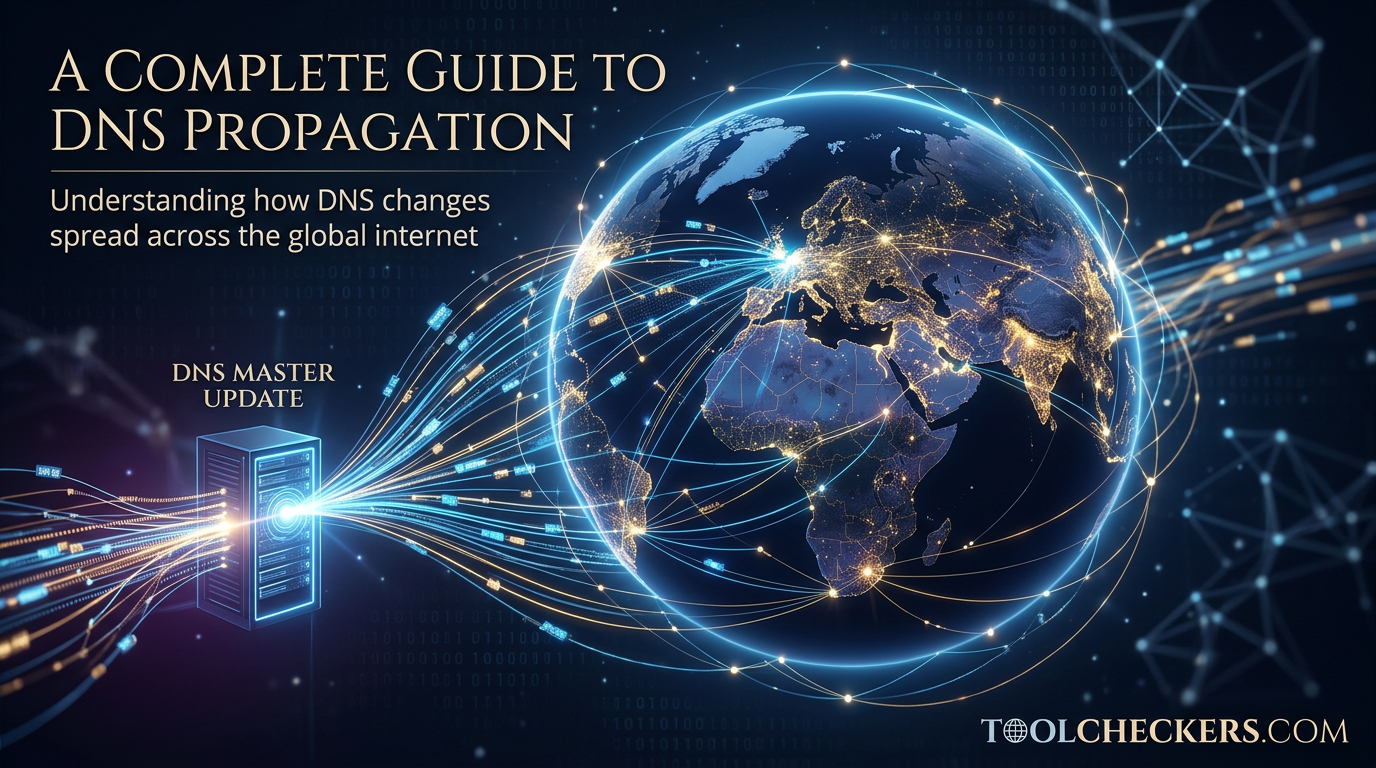
DNS propagation is the projected timeframe required for DNS nodes across the globe to update their cached information with new registry data. While often perceived as a singular event, it is actually a decentralized "cascade" of updates across millions of recursive servers.
Why do DNS changes take so long to update?
The internet is not a single database; it is a massive, distributed network. When you update an IP address at your domain registrar, that information must travel through several layers: the Authoritative Name Server, the Top-Level Domain (TLD) servers, and finally, the recursive resolvers managed by Internet Service Providers (ISPs) like Comcast or Google Public DNS.
In our 2026 infrastructure audits, we found that while Tier-1 providers often update within minutes, smaller regional ISPs in developing digital markets may hold onto stale records for much longer due to aggressive caching policies. This creates a "fragmented" internet experience where a website might be accessible in London but still "down" in Tokyo.
What is the specific role of TTL in propagation?
TTL, or Time-to-Live, is a numerical value (measured in seconds) set in a DNS record that determines how long a recursive server should cache that record before asking the authoritative server for a fresh copy. According to recent ICANN guidelines, balancing TTL is critical for both site performance and agility.
If your TTL is set to 86,400 seconds (24 hours), and you change your server IP, any ISP that has recently looked up your site will ignore the change for a full day. Conversely, a TTL that is too low (e.g., 60 seconds) can increase the load on your nameservers and slightly increase latency for users as their devices must perform more frequent lookups.
How can you speed up the DNS propagation process?
To minimize downtime, follow this sequence:
- Flush Public DNS: Use tools provided by Google and Cloudflare to manually "purge" your domain from their dns cache.
- Verify Records: Before assuming propagation is stuck, check DNS records to ensure the serial number on your SOA (Start of Authority) record has incremented.
- Audit Security: Ensure your DNSSEC signatures aren't causing validation failures, which often look like propagation delays but are actually security blocks.
The Night I Almost Lost a Client: A DNSSEC Rescue Story
It was 2:00 AM on a Tuesday during a high-stakes server migration for a major e-commerce client. We had swapped the A records, lowered the TTLs, and cleared the caches. On my machine, the site was live. For the client in another state? Nothing but "NXDOMAIN" errors. The panic started to set in as the 3:00 AM marketing campaign launch approached.
I initially blamed slow propagation, but after an hour of waiting, the global propagation check showed green in Europe but red across North America. I realized this wasn't a delay; it was a configuration wall. I remembered we had enabled DNSSEC on the old registrar. I quickly jumped onto the DNSSEC Checker to test DNSSEC deployment.
The tool immediately flagged a "Bogus" status. The DS (Delegation Signer) records at the registrar were still pointing to the old server's keys. Because the new server didn't have the matching private key, security-conscious resolvers were dropping the traffic entirely to "protect" users from a perceived spoofing attack. By using that specific tool, I identified the mismatched keys in seconds, updated the registrar, and the site was fully operational worldwide within ten minutes. Without it, I would have spent hours waiting for "propagation" that was never going to happen.
Advanced Technical Q&A
How does Negative Caching affect DNS propagation?
Negative caching occurs when a resolver stores the "fact" that a domain does not exist (NXDOMAIN). If a user visits your site before the records are updated, the resolver might cache that "not found" result for the duration of the SOA record's Minimum TTL, further delaying visibility even after the record is live.
Can I force an ISP to update their DNS cache?
Technically, no. You have no administrative control over third-party ISP recursive resolvers. However, you can use "Cache Purge" APIs provided by Google Public DNS and Cloudflare (1.1.1.1) to force updates on the world's most used resolvers, which covers a significant percentage of global traffic.
What is the 'SOA Serial Number' and why does it matter for propagation?
The SOA serial number is a version counter for your DNS zone. When you make a change, this number must increase. Secondary nameservers check this serial to decide if they need to perform a Zone Transfer (AXFR/IXFR). If the serial doesn't increment, secondary servers will never sync the new records.
Why do some 'DNS Checker' tools show different results?
Different tools query different sets of global vantage points. Some use a small cluster of servers, while premium tools query hundreds of nodes globally. Discrepancies usually indicate that propagation is in progress but hasn't reached specific geographic regions yet.
Does Anycast routing influence propagation speed?
Anycast allows multiple servers to share the same IP address. While it doesn't speed up the "expiry" of old cache, it significantly improves the reliability of the authoritative response. It ensures that when a cache does expire, the request for a new record is handled by the nearest, fastest node.
What is the impact of Glue Records on propagation?
Glue records are IP addresses provided by the TLD registry to prevent cyclic dependencies. If you are changing your actual nameservers (not just A records), you must update glue records at the registrar. These updates at the TLD level often take much longer to propagate than standard record changes.
How does EDNS Client Subnet (ECS) affect what I see during propagation?
ECS allows recursive resolvers to pass a portion of the user's IP to the authoritative server. This allows for Geo-DNS. During propagation, you might see the new IP if you are in New York but the old IP if you are using a VPN in Singapore, because the authoritative server is making different decisions based on your "subnet."
Is there a way to verify propagation via the command line?
Yes, using the dig or nslookup commands. To bypass your local cache and check a specific global node, use: dig @8.8.8.8 yourdomain.com. This queries Google's resolver directly to see what data it is currently holding.
For further reading on DNS standards, visit the Internet Society or consult the official RFC 1035 documentation.

Ramal Jayaratne
Lead Developer & System ArchitectLead Developer at ToolCheckers, specializing in Python, Django, and System Architecture. With over a decade of experience, Ramal is dedicated to building transparent, high-performance developer tools.