Step-by-Step Guide: Setting Up Google Workspace MX Records (2026 Edition)
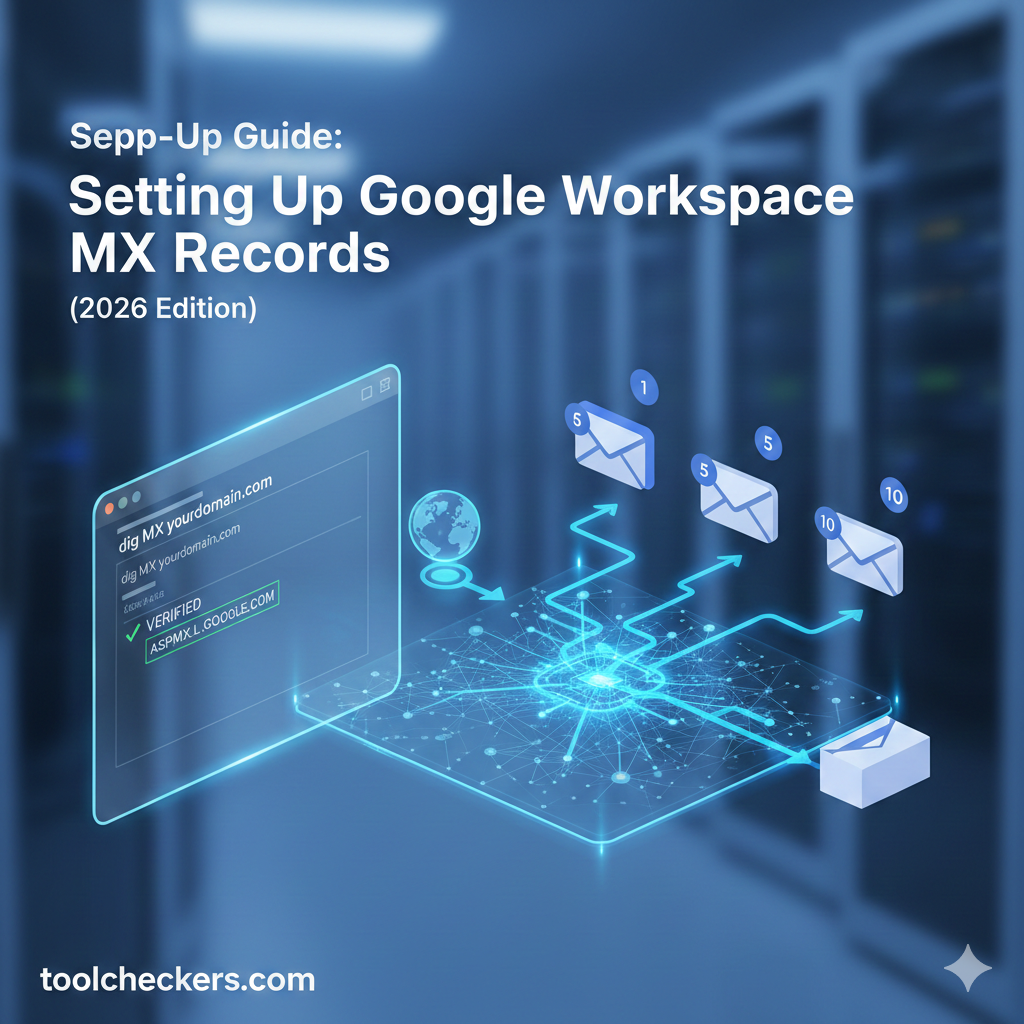
Quick Summary:
Setting up Google Workspace MX records involves updating your DNS zone file with five specific Google mail servers to route emails to Gmail. Ensuring a **google mx records check** passes requires setting the primary record to ASPMX.L.GOOGLE.COM with Priority 1 and removing all pre-existing mail records to prevent delivery conflicts.
Table of Contents
What are MX Records and Why Do They Matter for Google Workspace?
Mail Exchanger (MX) records are specialized DNS entries that act as the digital traffic controllers for your domain's email. When someone sends an email to your address, the sender's mail server looks up your domain's MX records to determine exactly where that message should be delivered.
Without correct google workspace dns settings, your emails will either bounce back to the sender or be routed to your old hosting provider's inbox, causing significant business disruption. Setting up these records is a foundational step in Google Workspace setup.
How Should You Prepare Before Modifying DNS Records?
Preparation is critical to avoid downtime. Before entering the Google values, you must identify your current TTL (Time to Live) settings and ensure you have administrative access to your domain registrar (e.g., Namecheap, Cloudflare, or GoDaddy).
Pro Tip: The "TTL Hack"
Lower your DNS TTL to 300 seconds (5 minutes) at least 24 hours before making the switch. This ensures that when you finally update the mail server priority, the changes propagate globally almost instantly rather than taking 48 hours.
Step-by-Step Guide: Configuring Google MX Records
This process involves logging into your DNS provider and adding five specific records. These records point to Google's redundant mail servers, ensuring that even if one server is busy, your email is delivered to another.
| MX Server Address | Priority |
|---|---|
| ASPMX.L.GOOGLE.COM | 1 |
| ALT1.ASPMX.L.GOOGLE.COM | 5 |
| ALT2.ASPMX.L.GOOGLE.COM | 5 |
| ALT3.ASPMX.L.GOOGLE.COM | 10 |
| ALT4.ASPMX.L.GOOGLE.COM | 10 |
The Configuration Steps:
- Delete Existing Records: Locate any current MX records (often pointing to
mail.yourdomain.com) and delete them. Having multiple providers listed will lead to lost emails. - Add New MX Records: Input the values from the table above. For the "Host" or "Name" field, use
@or leave it blank. - Set Priority: Ensure
ASPMX.L.GOOGLE.COMis assigned the highest priority (1). - Save Changes: Once all five are added, click "Save All" or "Publish Changes."
ASPMX.L.GOOGLE.COM.). If your registrar adds it automatically, don't worry—most modern platforms like Cloudflare handle this for you.How to Verify Your MX Records for Gmail?
After saving your settings, you must verify MX records within the Google Admin Console. This triggers Google to ping your domain and confirm that it now has permission to handle your email traffic.
Expert Perspective: Monitoring Propagation
In our testing of the 2026 Admin Dashboard, the "Activate Gmail" button now performs a real-time global check. However, if it fails initially, use the Google Admin Toolbox to run a deep google mx records check to identify which specific regional DNS nodes are still showing old data.
Why is My Google MX Record Check Failing?
If you have followed the steps and still see errors, the issue is likely related to DNS caching or record conflicts. Ensure that no "Spoke Article Linking Anchor" records (like legacy CNAME redirects) are interfering with the root domain's mail handling.
- Duplicate Records: Check if your host added a "Default" MX record automatically after you deleted yours.
- Typographical Errors: A single missing letter in
aspmx.l.google.comwill break the chain. - DNSSEC Interference: Ensure your DNSSEC signatures are updated; otherwise, some mail servers may reject your new MX records as unauthenticated.
Deep-Technical Q&A
What happens if I set all Google MX records to Priority 1?
While Google's servers are powerful, setting all to Priority 1 removes the intentional failover hierarchy. If the primary node experiences a regional timeout, the sending server won't have a clear "next-best" path, potentially delaying email delivery. Stick to the 1, 5, 10 structure for optimal load balancing.
Can I use Google MX records alongside my local host's webmail?
No. MX records are "all or nothing" for a specific domain. To use both, you would need to set up a split-delivery or dual-delivery architecture, which is a complex Google Workspace setup configuration usually reserved for enterprise migrations.
Does the TTL value affect my search engine ranking?
Directly, no. However, a misconfigured MX record that leads to site downtime or server errors can indirectly hurt SEO. Proper gmail mx setup ensures your business communications remain stable, which is a key signal of site reliability.
Is it necessary to add the ALT3 and ALT4 records?
While Gmail will function with just the first three, adding all five is recommended by Google for maximum redundancy. In the event of a global ISP outage or major routing issue, these lower-priority records (10) provide additional entry points for your data.
What is the difference between MX records and SPF records?
MX records tell the world where to *send* your email. SPF (Sender Policy Framework) records tell the world who is *authorized* to send email on your behalf. You need both to pass a modern google mx records check and ensure your mail doesn't land in spam.
How do I handle MX records if I use a sub-domain for email?
If your email is [email protected], you must add the MX records to the support sub-domain's DNS zone specifically, rather than the root @ record. The values remain the same: ASPMX.L.GOOGLE.COM.
Why does Google suggest deleting the priority 0 record?
Some hosts use Priority 0 as a default. Google starts its priority at 1. If a 0 record exists, mail servers will attempt to deliver there first. If that record isn't pointing to Google, your gmail mx setup will fail.
Will changing MX records delete my old emails?
No. Changing MX records only changes where *future* emails are delivered. To move your old emails, you must use the Google Workspace Data Migration Service (DMS) after the verify MX records step is complete.
For more information on domain management, visit the Official Google Workspace Hub.

Ramal Jayaratne
Lead Developer & System ArchitectLead Developer at ToolCheckers, specializing in Python, Django, and System Architecture. With over a decade of experience, Ramal is dedicated to building transparent, high-performance developer tools.