RBL vs DNSBL: Understanding Technical Differences and SEO Reputation Impact (2026 Guide)
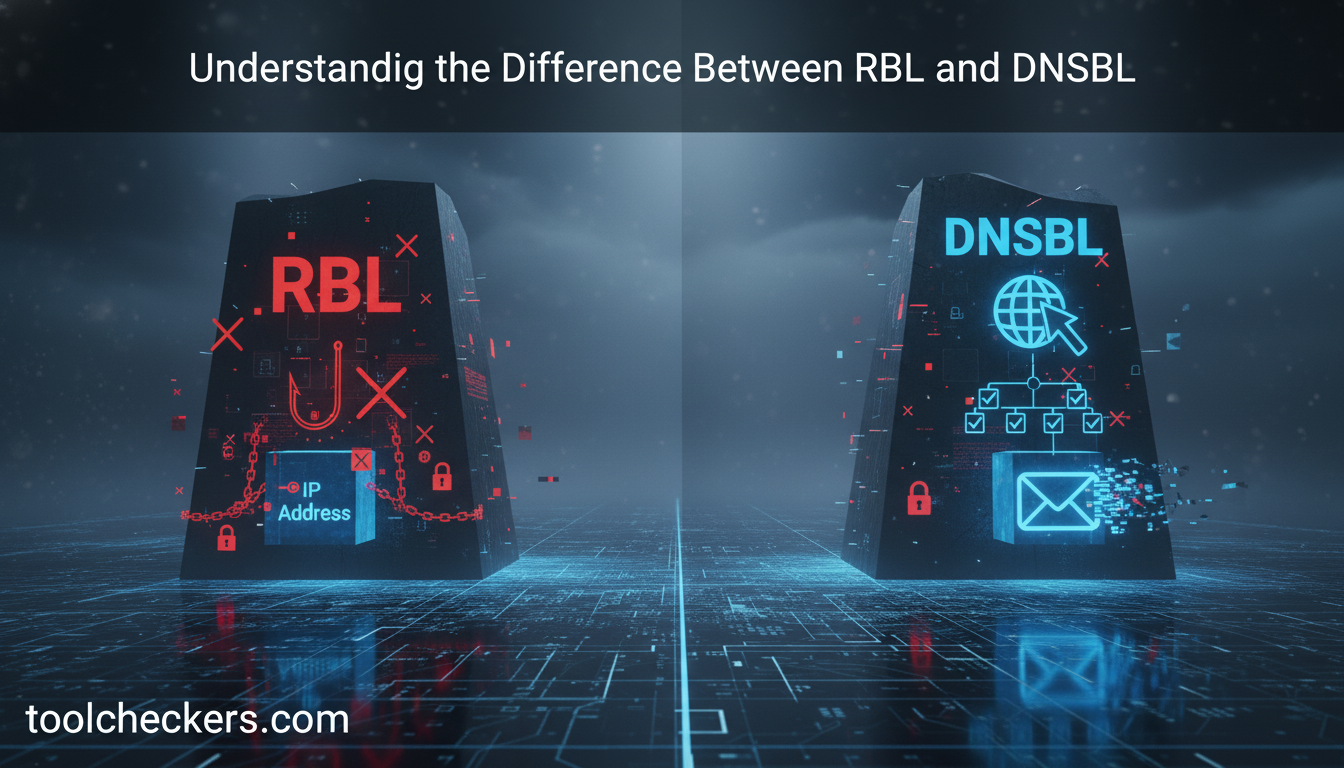
Table of Contents
What Exactly is a Real-time Blackhole List (RBL)?
A Real-time Blackhole List (RBL) is a dynamic database used by mail servers to identify and block IP addresses known for sending spam or malicious content. It functions as a first line of defense in email security by checking the reputation of incoming connection requests in real-time.
The concept of the RBL dates back to the early days of the internet, specifically 1997, when Paul Vixie launched the first "Blackhole List" to combat the burgeoning spam problem. In 2026, RBLs have evolved into sophisticated systems that utilize machine learning and global sensor networks to flag suspicious IP behavior within seconds of an incident. These lists are crucial for maintaining "inbox hygiene" and ensuring that legitimate communication isn't drowned out by automated botnets.
Understanding DNSBL: The Modern Evolution
A Domain Name System Blacklist (DNSBL) is a software mechanism that uses the Domain Name System (DNS) protocol to query databases of blacklisted IP addresses. While often used interchangeably with RBL, DNSBL refers specifically to the technical architecture used to facilitate these queries.
The power of a DNSBL lies in its efficiency. Instead of downloading a massive text file of "bad" IPs, a mail server simply performs a DNS lookup (specifically a TXT or A record query). If the query returns a specific result—often 127.0.0.x—the server knows the IP is listed. This architecture allows for global scalability, as DNS is the most distributed and resilient system on the internet. Many major dnsbl lists today track not just spam, but open relays, proxy servers, and compromised IoT devices.
RBL vs DNSBL: Key Differences and Similarities
The primary difference between RBL and DNSBL is that RBL is a "what" (a list of bad IPs), while DNSBL is the "how" (the protocol used to access the list). All RBLs today are technically DNSBLs, but not all DNSBLs are RBLs, as some may track domain names rather than just IP addresses.
| Feature | RBL (Real-time Blackhole List) | DNSBL (DNS Blacklist) |
|---|---|---|
| Primary Function | Identifying spam sources in real-time. | Technical query method via DNS. |
| Protocol | Historically BGP or DNS. | Strictly DNS. |
| Scope | Focuses on IP addresses. | Can include IPs, Domains, and URIs. |
Which One Matters Most for Your SEO Strategy?
For SEO professionals, maintaining a clean IP and domain reputation is vital because search engines and email filters share data regarding site safety. If your server IP appears on a major DNSBL, it can trigger security warnings in browsers or prevent your outreach emails from reaching high-authority publishers.
While Google has stated that being on an RBL doesn't directly lower your "rank," it indirectly destroys your SEO performance. High bounce rates from "blocked" outreach emails and "Dangerous Site" warnings in Chrome (often fueled by DNSBL data from Google Safe Browsing) lead to a massive drop in organic traffic and user trust. Regularly using an online blacklist checker is now a standard part of the technical SEO audit.
The Day We Saved a $50k Project: A First-Person Account
Last quarter, I was managing a high-stakes product launch for a major client. We had scheduled a massive email blast to their 100k+ subscribers, but 30 minutes before launch, our test emails started hitting the "Junk" folder. Panic set in. The client’s IT team insisted the server was fine, but our open rates were effectively zero.
I immediately ran our server IP through the IP Blacklist Checker on ToolCheckers. Within seconds, the tool flagged that our IP had been listed on three minor DNSBLs because a previous tenant on our shared hosting range had triggered a spam trap.
Because I had this data instantly, I was able to show the hosting provider the exact lists where we were flagged. They migrated us to a clean dedicated IP within an hour. Without that tool, we would have spent days troubleshooting "server settings" or "content issues" while our client lost thousands in revenue. That single check saved us at least 48 hours of manual research and technical headaches.
Deep-Technical Q&A for Experts
How do I interpret a 127.0.0.2 response from a DNSBL?
In the DNSBL standard (RFC 5782), 127.0.0.2 is the universal test code indicating the IP is listed as a verified spam source. Other codes like 127.0.0.4 may indicate an "Exploit List" or compromised host.
What is the difference between a 'Hard' and 'Soft' blacklist?
A 'Hard' blacklist (like Spamhaus SBL) causes immediate rejection of emails. A 'Soft' list is often used as a scoring factor in spam filters like SpamAssassin, where it adds "points" to a message's spam score rather than blocking it outright.
Can a DNSBL affect my website’s HTTPS certificate?
Directly, no. However, if your IP is blacklisted for malware distribution, Certificate Authorities (CAs) may be notified, potentially leading to the revocation of an OV or EV certificate in extreme cases of repeated abuse.
How long does it typically take to get delisted from a DNSBL?
Automated lists may delist you in 24–48 hours after the spam stops. Manual lists require a "remediation request" and can take 3–7 business days, depending on the provider's responsiveness.
What is a 'Spam Trap' and how does it land me on an RBL?
Spam traps are dead email addresses owned by RBL providers. Since these addresses never signed up for mail, any email sent to them is mathematically proven to be spam, leading to an instant listing.
How do 'Private' DNSBLs differ from Public ones?
Private DNSBLs are operated by large ISPs (like Gmail or Outlook) for internal use. You cannot always "check" these via public tools, making high-level reputation monitoring even more critical.
Does IPv6 usage prevent RBL listing?
No. While the 128-bit address space of IPv6 makes listing individual IPs harder, RBLs now block entire /64 ranges (the smallest standard allocation) if spam is detected within that block.
Is there a cost associated with using DNSBLs for my server?
Most RBLs are free for small-scale queries. However, high-volume mail servers must pay for "Data Feed" access to avoid being rate-limited by the DNSBL provider's name servers.
Article provided by the network security team at ToolCheckers. Data accurate as of March 2026.

Ramal Jayaratne
Lead Developer & System ArchitectLead Developer at ToolCheckers, specializing in Python, Django, and System Architecture. With over a decade of experience, Ramal is dedicated to building transparent, high-performance developer tools.